How to cancel your Picsart Gold subscription
Picsart Gold Subscription gives you the complete freedom to access all the incredible premium tools to enhance your masterpiece. Picsart Premium provides everything that a creative mind needs. But if you no longer wish and want to cancel the subscription, whether you switch to other apps or just don’t use it enough, .your in the right site. You can cancel it simply and easily, based on your device (Android,iPhone). We’ll explain how to refund. You have full freedom over your account.
What is Picsart Gold Subscription?
Picsart Gold APK is an updated version of Picsart where you get all the premium tools without limits. It is designed for creators who want to enhance their Photo and video editing skills. It provides a distraction-free environment, NO Ads, no pop-ups, no annoying watermarks. It includes :
- AI background remover
- 1000+ Pro-filters
- AI background generator
- Trendy templates
- Customize stickers
- Ai Avatar
- Logo generator
- Text to image
- Masks, collages, frames
- Trending fonts
Love by artist for a clean interface with limitless Picsart pro-tools, this version turns vision to reality.
How to cancel your Picsart Gold subscription:
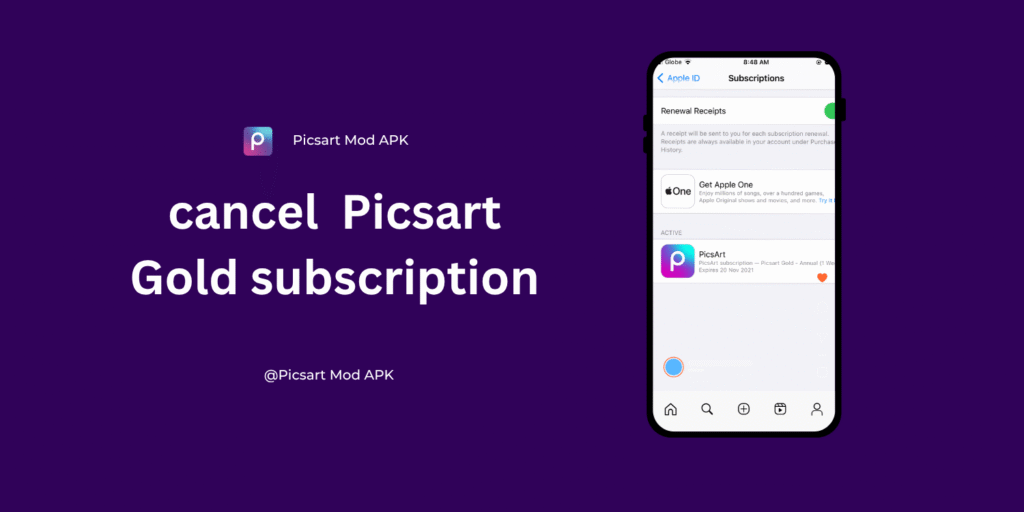
If you want to cancel your Picsart premium subscription, you can do it quickly and easily based on your device. Follow the following steps to cancel the subscription on a different device
How to Cancel PicsArt Pro Subscription on Android :
If you no longer wish to use the gold premium. Follow these easy and simple steps:
- Open the Google Play Store app on your Android phone.
- Tap your Google profile picture in the top right corner.
- Choose Payments & subscriptions, then go to Subscriptions.
- Go to your active subscriptions and tap on PicsArt.
- Select Cancel subscription to begin the cancellation process.
- Choose a reason (optional), then confirm the cancellation.
Note: After cancellation, you’ll still be able to access premium features until your current billing cycle ends.
How to Cancel PicsArt Subscription on iPhone (iOS):
If you are using an iPhone and want to cancel your Picsart Gold subscription. Follow the following steps :
- Open the Settings app on your iPhone.
- Tap your Apple ID name at the top of the screen.
- Go to Subscriptions.
- Look for PicsArt in your active subscriptions list.
- Tap on it, then hit Cancel Subscription.
- Confirm when prompted.
How to Cancel PicsArt Premium Subscription on PC:
If you signed up for PicsArt Pro using a web browser on your desktop or laptop, you want to cancel. Follow the following steps :

- Go to the PicsArt Website:
Visit https://picsart.com and log in to your account. - Access Account Settings:
Click on your profile icon in the upper-right corner and select Settings from the drop-down menu. - Navigate to Billing & Subscriptions:
In the left-hand menu, choose Billing or Subscriptions (varies by version). - Manage Your Subscription:
You’ll see your current plan details. Click Cancel Subscription or Manage Plan. - Confirm Cancellation:
Follow the on-screen prompts to confirm the cancellation. Once done, you’ll receive a confirmation email.
Picsart Refund Policy
Key points of Picsart’s Refund Policy:
- Picsart does not offer direct refunds once payment is processed. You have to cancel your subscription before the next billing date to avoid being charged again
- Even after canceling, you’ll still have access to premium features until the end of your current billing cycle.
- Refund is not guaranteed, but in some cases, you can make a refund request.
Click here for more information on the refund policy
Conclusion:
PicsArt Gold removes all limitations and gives artists complete creative freedom through powerful tools. If you don’t want to use it or want to switch to another platform, you’re free to cancel anytime. The cancellation process is simple and user-friendly.
Just remember to cancel your subscription before the next billing date to avoid being charged again. Even after canceling, you’ll still have access to premium features until the end of your current billing cycle.
If you have any questions or run into issues, PicsArt’s customer support is available to assist you and resolve any concerns.