How to Deactivate or Delete Your PicsArt Account
How to Deactivate or Delete Your PicsArt Account is a question many users ask when they no longer want to use the app. PicsArt Mod APK, where your imagination meets innovation, is a creative space with powerful tools and a global community of artists. But if you wish to protect your privacy, take a digital break, or remove your data, this guide will help you deactivate or delete your PicsArt account step by step.
How to Permanently Delete Your PicsArt Account
If you’re sure about saying goodbye to your PicsArt account for good, here’s how to permanently delete your account and remove all data.
1. Launch the PicsArt App & Log In
Open the PicsArt app on your device and sign in with your username and password. Make sure you are logged into the account you want to delete.
2. Go to Profile Settings
Tap your profile icon to open your dashboard.. Once inside your profile, look for the settings icon (usually a small gear at the top-right corner). This is where you can manage your account, privacy, and other preferences.
3. Scroll to ‘Account’ or ‘Privacy’
In the settings menu, scroll down until you find the section labeled Account or Privacy. This is where PicsArt places all important account management options, including the delete and deactivate features.
4. Tap ‘Delete Account’
Select the Delete Account option (sometimes shown as “Close Account”). Once you tap it, PicsArt will begin the deletion process.
5. Review Warning
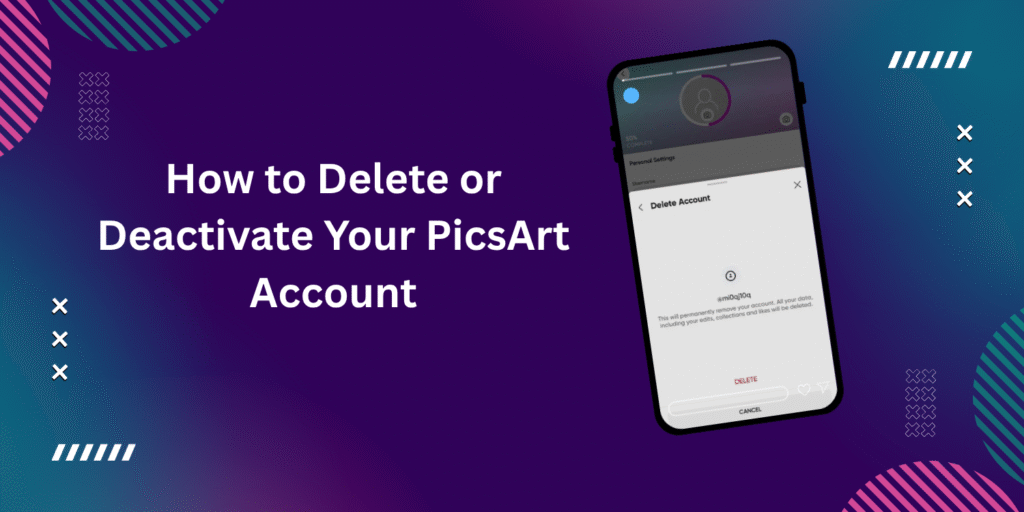
A warning message will appear, letting you know that all your photos, edits, followers, and account data will be removed permanently. This is your last chance to make sure you want to continue.
6. Confirm Final Deletion
If you’re absolutely sure, confirm the deletion. Once confirmed, your account and all associated data will be erased. This process cannot be undone.
Important: Deleting your account means you will lose all your projects, images, and personal data permanently. If you’re unsure, consider deactivation instead.
see also : How to cancel your Picsart Gold subscription
How to Deactivate Your PicsArt Account (Temporary Option)
If you only want a break and don’t wish to lose your data permanently, deactivation is the best choice. This hides your account without deleting it, and you can return anytime. It’s a simple way to take control of your digital space without losing your hard work.
Open the Picsart App and Log In
Launch the app and log in to your account.
Go to Your Profile
Tap the profile icon at the bottom of the screen to access your account area.
Access Account Settings
Tap the settings icon (gear symbol) at the top-right corner of your profile page.
Find “Privacy” or “Account” Options
Scroll down to find either Privacy or Account, and tap it.
Choose ‘Deactivate Account’
Select the deactivation option (may appear as Temporarily Disable Account).
Confirm Deactivation
Confirm your choice. Your account will now be hidden, but all your data will remain safe.
Note: Your account isn’t deleted, just hidden. You can return anytime by logging in again.
see also : How To Unlock Full Premium Features For Picsart Mod Apk For PC
Conclusion
The most asked question of how to deactivate or delete your PicsArt account has been explained in simple steps above. PicsArt Mod gives creators a stunning platform to express their visions, but you also have the right to step away when needed. Whether you’re just taking a short break or leaving permanently, you’re in full control. Follow the steps and choose what brings you clarity, privacy, and peace of mind. Remember, managing your digital space wisely is just as important as creating in it.